 · Avrora Team
In today's hyper-connected world, online privacy is under constant threat. Whether you're on a Windows desktop at work or a macOS laptop at home, a VPN for Windows and macOS provides a crucial layer of security and online freedom. It's no longer a luxury, but a necessity for safeguarding your personal information and enjoying unrestricted access to the internet.
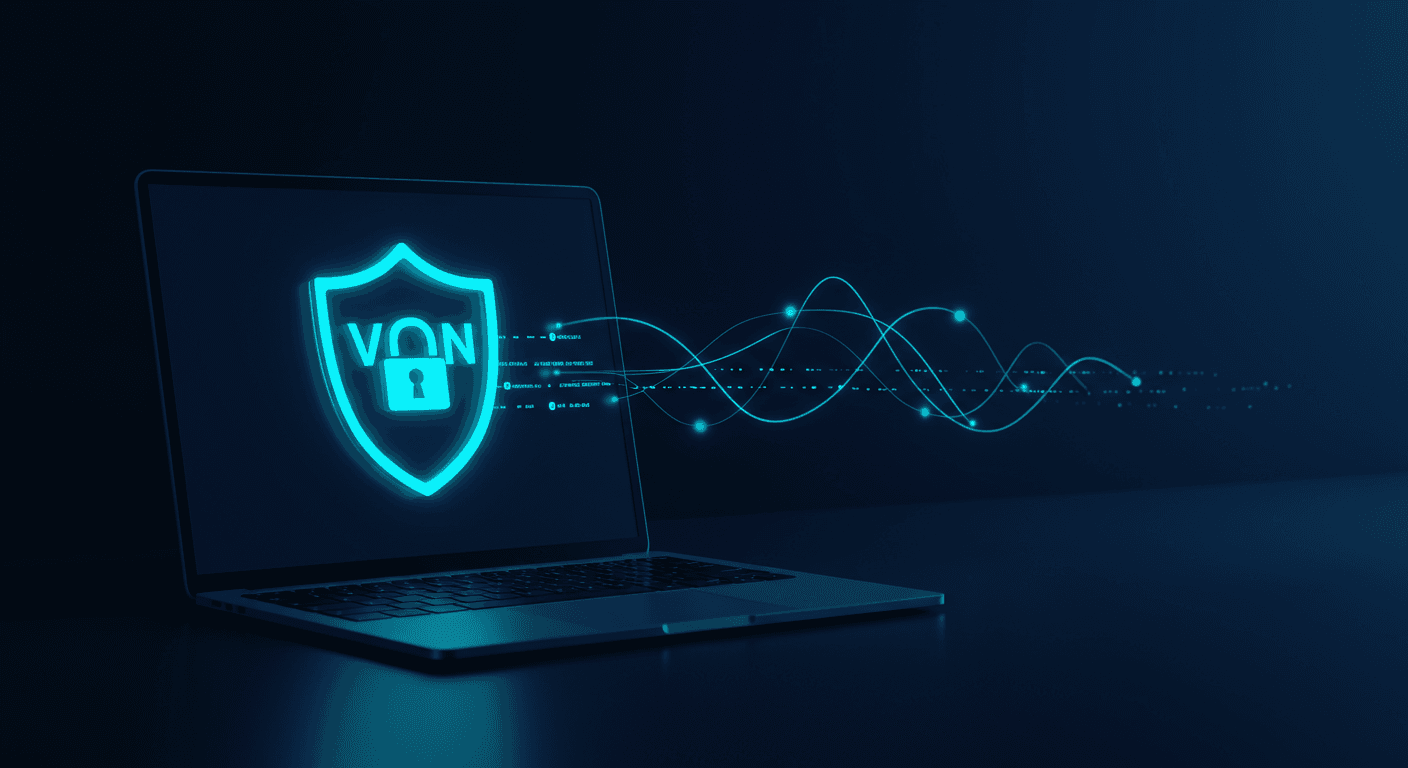
A Virtual Private Network (VPN) creates an encrypted tunnel between your device and a remote server, masking your IP address and encrypting your data. This makes it significantly harder for anyone – from hackers to advertisers – to track your online activity and steal your sensitive information.
Why You Absolutely Need a VPN for Windows and macOS in 2024
Protecting Your Privacy on Public Wi-Fi
Public Wi-Fi hotspots are notoriously insecure. Without a VPN, your data is vulnerable to eavesdropping by hackers who can intercept your passwords, credit card details, and other personal information. A VPN encrypts your connection, making it safe to use public Wi-Fi without worrying about your privacy being compromised.
Bypassing Geo-Restrictions and Censorship
Many websites and streaming services restrict access based on your location. A VPN allows you to connect to servers in different countries, effectively masking your location and bypassing these restrictions. This means you can access content that would otherwise be unavailable in your region.
Preventing ISP Tracking and Monitoring
Your Internet Service Provider (ISP) can track your online activity and sell your data to advertisers. A VPN encrypts your traffic, preventing your ISP from monitoring your browsing history and online behavior. This gives you more control over your data and protects your privacy from unwanted surveillance.
Secure Online Banking and Shopping
When you're conducting financial transactions online, it's crucial to protect your information from hackers. A VPN encrypts your data, making it more difficult for cybercriminals to steal your credit card details and other sensitive information.
Choosing the Right VPN for Windows and macOS
With so many VPN providers available, it can be challenging to choose the right one. Here are some key factors to consider:
- Security: Look for a VPN that uses strong encryption protocols, such as OpenVPN or IKEv2, and has a strict no-logs policy.
- Speed: A good VPN should provide fast and reliable connections without significantly slowing down your internet speed.
- Server Locations: Choose a VPN with a wide range of server locations to bypass geo-restrictions and access content from around the world.
- Ease of Use: The VPN app should be easy to install and use, with a user-friendly interface.
- Customer Support: Look for a VPN provider that offers responsive and helpful customer support.
Avrora VPN: A Solid Choice for Secure Browsing
Finding a reliable VPN can feel overwhelming, but Avrora VPN offers a user-friendly and secure solution for both Windows and macOS users. It prioritizes your privacy and security, ensuring a safe and unrestricted online experience. With robust encryption and a strict no-logs policy, Avrora VPN helps you reclaim your online freedom.
Setting Up a VPN on Windows and macOS
Setting up a VPN on Windows and macOS is typically a straightforward process. Most VPN providers offer dedicated apps that you can download and install on your devices.
- Download the VPN app: Visit the VPN provider's website and download the app for your operating system (Windows or macOS).
- Install the app: Follow the on-screen instructions to install the app on your device.
- Create an account: Sign up for a VPN account and choose a subscription plan.
- Connect to a server: Open the VPN app and connect to a server in your desired location. Once connected, your internet traffic will be encrypted and routed through the VPN server.
Don't Wait, Protect Your Privacy Today!
A VPN is an essential tool for protecting your privacy and security online. Whether you're using Windows or macOS, a VPN provides an extra layer of protection against hackers, trackers, and censorship. Take control of your online experience and enjoy a safer, more private internet.
Ready to experience the benefits of a secure and private internet connection? Start using Avrora VPN today!